What's new
0.15.0
New (8)
- Colour input: a
colorinput is a hex box with the system's colour picker beside it, kept in step. Try it: Colour input Docs: Colour input - Date input: a
dateinput is the browser's own picker for a day, a time of day, or both. Try it: Date input Docs: Date input - Multiselect: a
multiselectinput lets a reader choose several options, andrungets them as astring[]. Try it: Multiselect Docs: Multiselect - Errors under their input: an error that names an input is now shown under that input, after the field's name. Docs: Errors under their input
and 4 more
- Rows input: a
rowsinput is a list the reader adds to, removes from and reorders, andrungets aRow[]. Try it: Rows input Docs: Rows input - Rate limits example: the
rate-limitstool matches requests against an ordered list of path limits, for the methods you choose. Try it: Rate limits example - Secret input: a
secretinput is a password field with a button to show it, kept out of links. Try it: Secret input Docs: Secret input - Segmented select:
"control": "segmented"draws a select's options as one row of native radio segments. Try it: Segmented select Docs: Segmented select
Changed (4)
- Smaller pages: tools checked at build time no longer ship the manifest checker to readers. Docs: Smaller pages
- Smaller stylesheets: the runtime's built stylesheets drop the whitespace CSS ignores, 0.4 KB less on every page.
- Smaller runtime: the bytes renderer is a chunk of its own, so a page that draws no hex dump loads 0.8 KB less.
- Shorter runtime: shorter developer messages and one rule for every tone take 0.1 KB more off every page.
Fixed (9)
- Dates in error messages: a date in an error message no longer breaks across two lines on a phone.
- Toggle colour: a toggle's checkbox is drawn in the accent colour instead of the browser's own blue.
- Annotation labels: chart annotations close together no longer print their labels over each other. Docs: Annotation labels
- Copying on plain HTTP: the share button and Copy now copy on a plain-HTTP page, where the Clipboard API is missing. Try it: Copying on plain HTTP
and 5 more
- Code in help text: code in an input's description no longer breaks at a hyphen on a phone.
- Numbers out of range: a number outside its range is marked as it is typed, and Run refuses it instead of clamping. Docs: Numbers out of range
- Readout on a narrow chart: a chart's readout stays inside the chart at a phone's width instead of running past the tool's border. Docs: Readout on a narrow chart
- Rows number cells: a rows number cell out of range, or emptied, is refused under its row instead of clamped. Try it: Rows number cells Docs: Rows number cells
- Threshold labels: chart thresholds close together no longer print their labels over each other. Docs: Threshold labels
0.14.0
New (9)
- Text face on a field:
mono: falsesets a field's value in the text face instead of monospace. Docs: Text face on a field - Formatting in help text: an input's description can have paragraphs, lists, code, bold and coloured words. Try it: Formatting in help text Docs: Formatting in help text
- More help behind a disclosure:
detailson an input puts the rest of its help behind a "More", closed until opened. Try it: More help behind a disclosure Docs: More help behind a disclosure - Style one input at a time: each input row names its input, its type and its role, and four new properties recolour it. Try it: Style one input at a time Docs: Style one input at a time
and 5 more
- Inputs kept out of links:
"share": falseon an input tells a host's links to leave it out. Docs: Inputs kept out of links - Reset off for a tool:
"reset": falsein a manifest leaves the Reset button out. Try it: Reset off for a tool Docs: Reset off for a tool - Tables that work on a phone: a table keeps its columns and scrolls on a narrow screen, with the row name kept in view. Changes a default Try it: Tables that work on a phone Docs: Tables that work on a phone
- Column wrapping: a table column can say whether it holds sentences or short tokens. Try it: Column wrapping Docs: Column wrapping
- Chart layout signal:
data-fittedon a chart says it has its final layout. Docs: Chart layout signal
0.13.0
New (5)
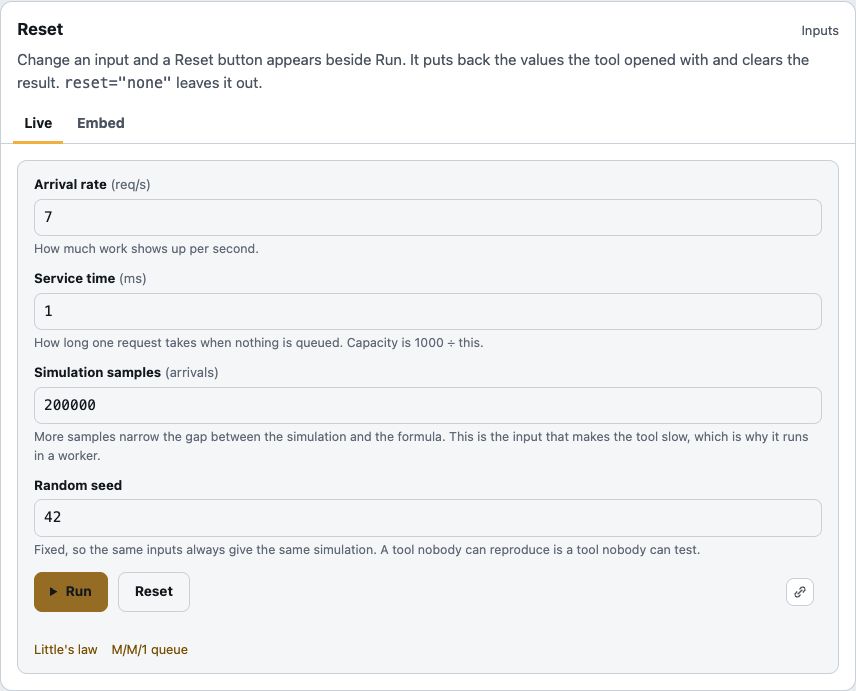
- Reset button: puts a tool's inputs back where they started. Try it: Reset button Docs: Reset button Screenshot: Reset button
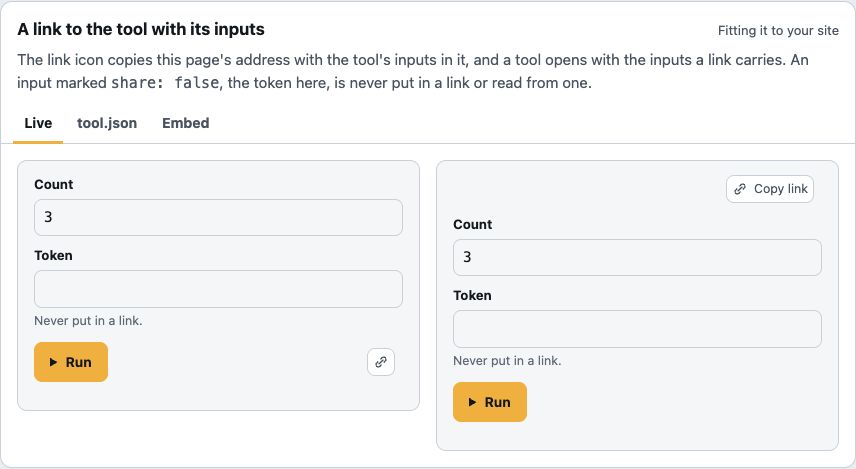
- Share a link: a link icon copies the page address with the tool's inputs in it. On by default Try it: Share a link Docs: Share a link Screenshot: Share a link
- Events: your page hears when a tool's inputs change and when a run finishes. Try it: Events Docs: Events
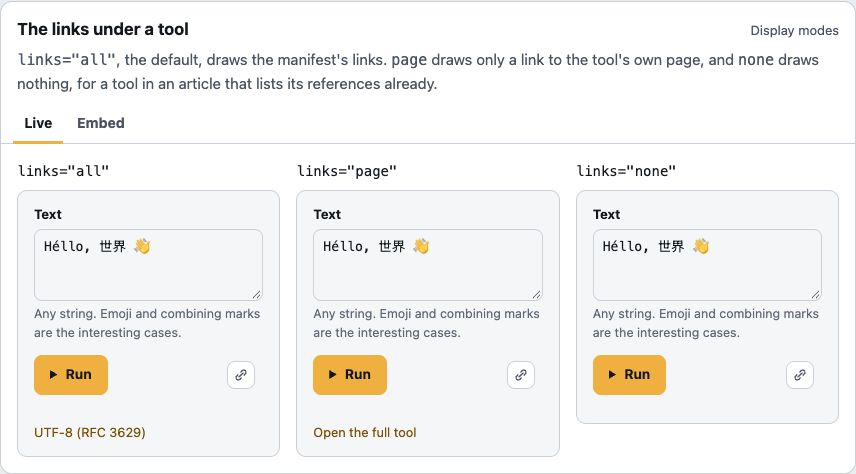
- Links under a tool: show them all, only "Open the full tool", or none. Try it: Links under a tool Docs: Links under a tool Screenshot: Links under a tool
- Chart settings: one setting for every chart's text size, one for its maximum width. Try it: Chart settings Docs: Chart settings
Fixed (3)
- Readable chart labels: chart labels are the same size on a phone as on a wide screen. Try it: Readable chart labels Docs: Readable chart labels Screenshot: Readable chart labels
- Graphs in closed cards: a graph in a closed card is drawn when it opens, instead of showing an error. Try it: Graphs in closed cards Docs: Graphs in closed cards
- Smaller first load: the runtime's stylesheets no longer ship their comments. Docs: Smaller first load
0.12.0
New (2)
- Typed markup: one type lists every
<tool-host>attribute with its default. Docs: Typed markup - Hover help: your editor describes every input, result and manifest attribute on hover. Docs: Hover help
0.11.0
New (1)
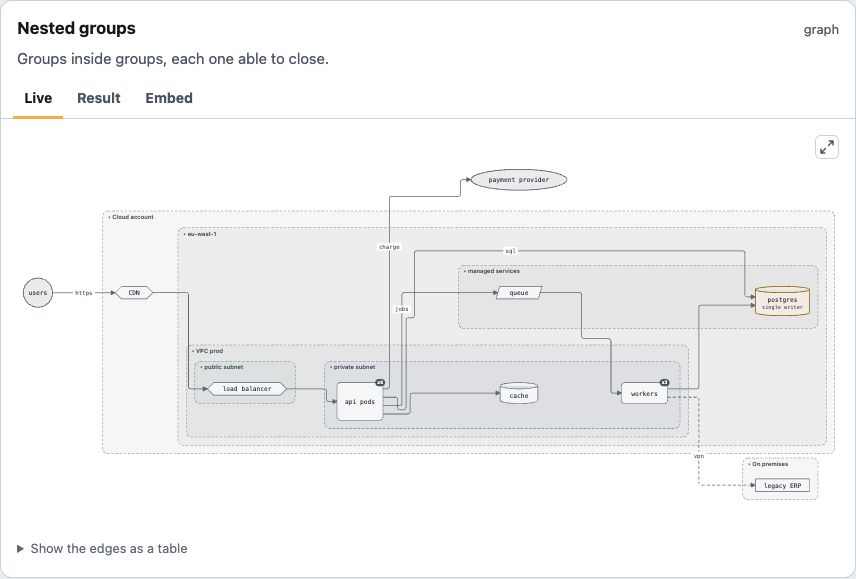
- Wide graphs fit: a graph wider than its tool shrinks to fit, with a button to see it at full size. Changes a default Try it: Wide graphs fit Docs: Wide graphs fit Screenshot: Wide graphs fit
0.10.1
Fixed (1)
- Wide results: a result wider than its tool scrolls instead of being cut off. Try it: Wide results Docs: Wide results
0.10.0
New (6)
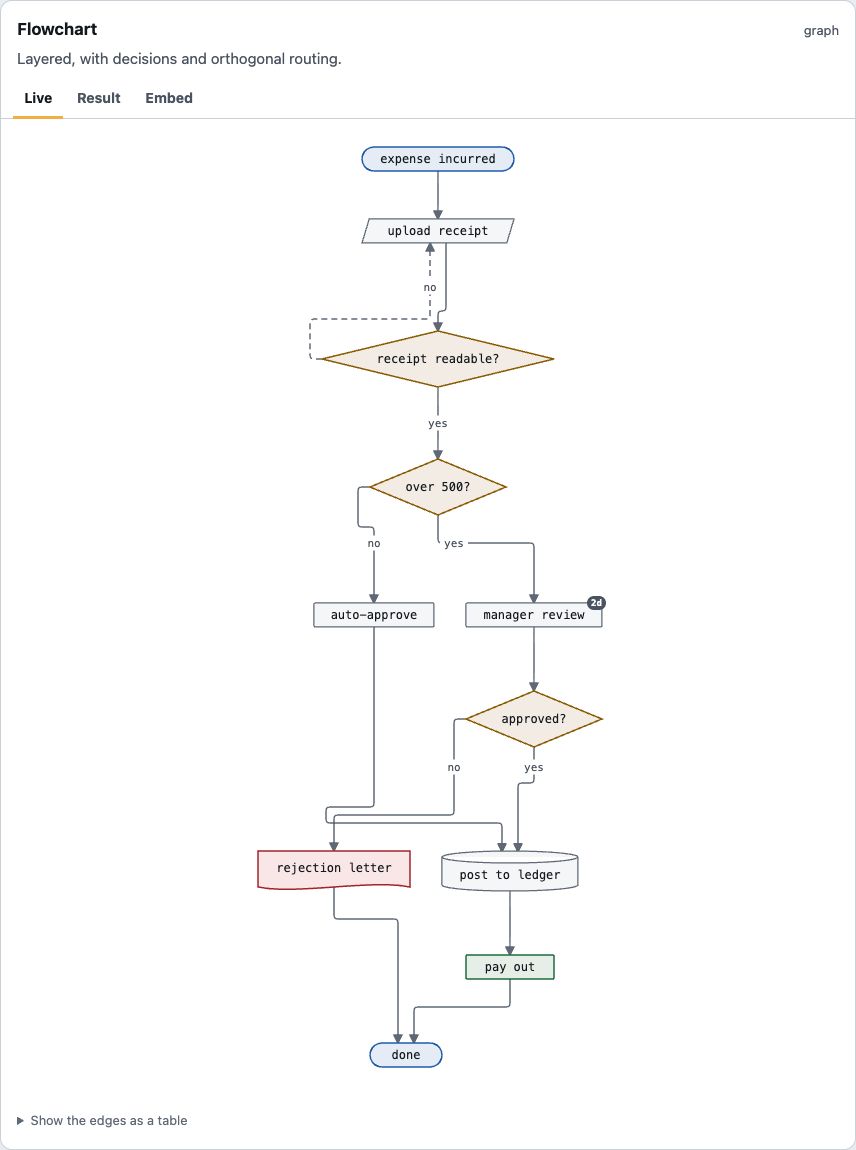
- Graphs: return nodes and edges, and the runtime lays them out and draws them. Try it: Graphs Docs: Graphs Screenshot: Graphs
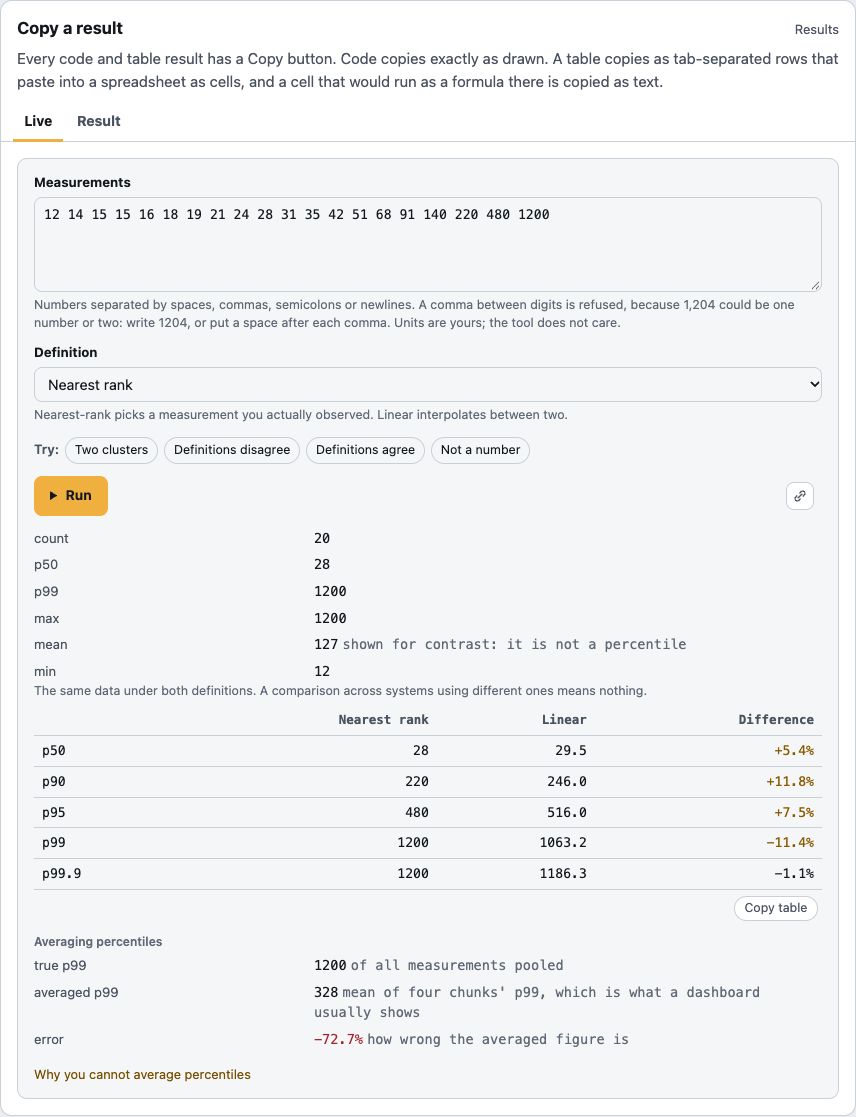
- Copy buttons: copy a code result exactly, or a table straight into a spreadsheet. Try it: Copy buttons Docs: Copy buttons Screenshot: Copy buttons
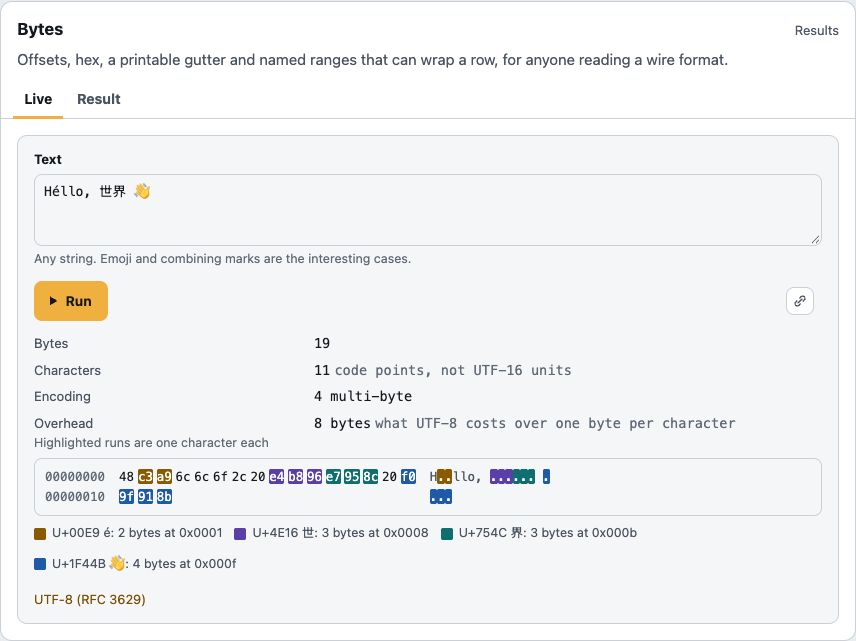
- Byte ranges in colour: each highlighted range in a hex dump gets its own colour. Try it: Byte ranges in colour Docs: Byte ranges in colour Screenshot: Byte ranges in colour
- Textarea grammar: a tool can highlight its own notation, with no highlighter on the page. Try it: Textarea grammar Docs: Textarea grammar Screenshot: Textarea grammar
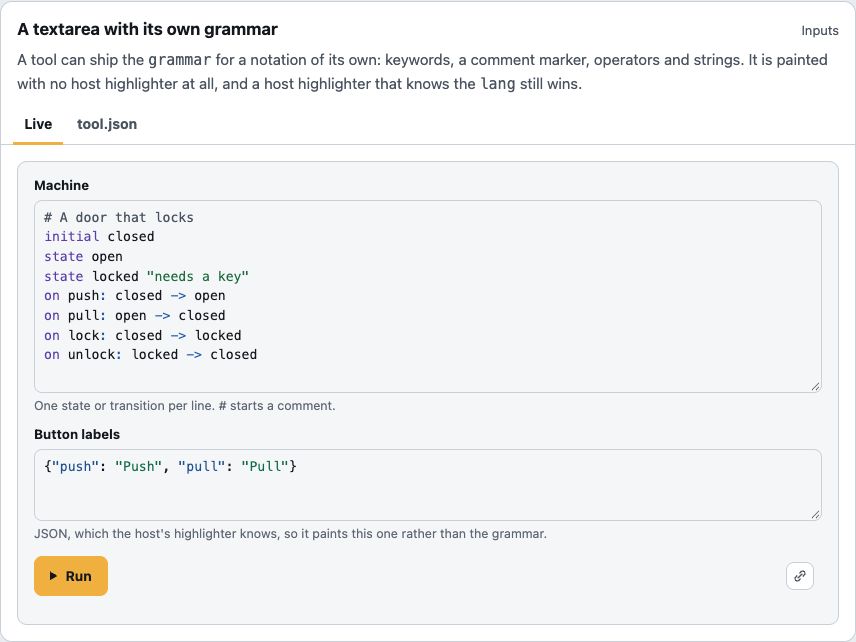
and 2 more
- Every kind of graph: trees, mind maps, networks, ER diagrams, swimlanes and nested groups. Try it: Every kind of graph Docs: Every kind of graph
- Large graphs: past a hundred nodes, a graph is laid out off the main thread, so the page never stalls. Try it: Large graphs Docs: Large graphs
Fixed (2)
- Version check: a tool using a feature newer than its declared
sdkis refused, with a message saying why. May refuse a tool Try it: Version check Docs: Version check - Plain wording: status lines and messages no longer use em dashes. Wording changed
0.9.1
Fixed (2)
- Safe manifest links: a manifest link that is not http, https or mailto is refused, and drawn as plain text. May refuse a tool Docs: Safe manifest links
- Code result classes: a code result's
langcan no longer add a class of its own. Try it: Code result classes Docs: Code result classes
0.9.0
New (2)
- Presets on a select: choosing an option can fill other inputs with that option's values. Try it: Presets on a select Docs: Presets on a select Screenshot: Presets on a select
- Highlighted textareas: what a reader types is painted by the page's own highlighter. Try it: Highlighted textareas Docs: Highlighted textareas
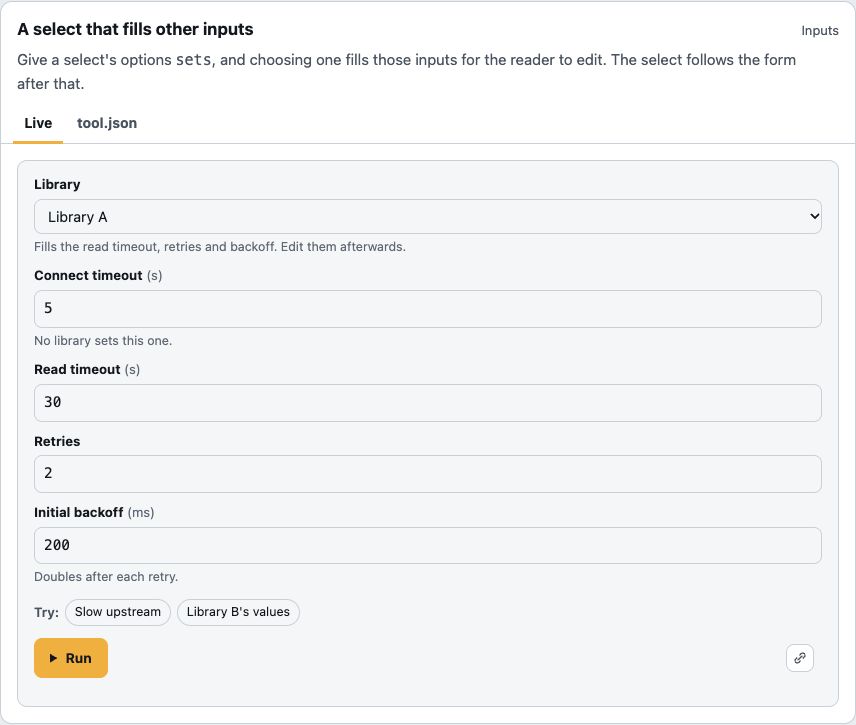
Fixed (1)
- Undo in Chrome: one undo takes back a burst of typing, not one character.
0.8.0
New (2)
- Your own CSS: pass stylesheets to
defineToolHostand they style every tool. Changes style order Try it: Your own CSS Docs: Your own CSS - Link to one part:
host.reveal(id)opens, scrolls to and focuses one part of a result. Try it: Link to one part Docs: Link to one part
Fixed (1)
- Adopted stylesheets: a stylesheet you adopt into a tool no longer turns the runtime's styles off. Docs: Adopted stylesheets
0.7.0
New (23)
- Answer first, or no controls: put the result above the form, or let your page own the controls. Try it: Answer first, or no controls Docs: Answer first, or no controls Screenshot: Answer first, or no controls
- Chart readouts: hover or use the arrow keys to read every series' value at a point. Try it: Chart readouts Docs: Chart readouts
- Heatmaps: a value over two dimensions, drawn as coloured cells with a key. Try it: Heatmaps Docs: Heatmaps Screenshot: Heatmaps
- Pie and donut charts: parts of a whole, every slice labelled with its share. Try it: Pie and donut charts Docs: Pie and donut charts
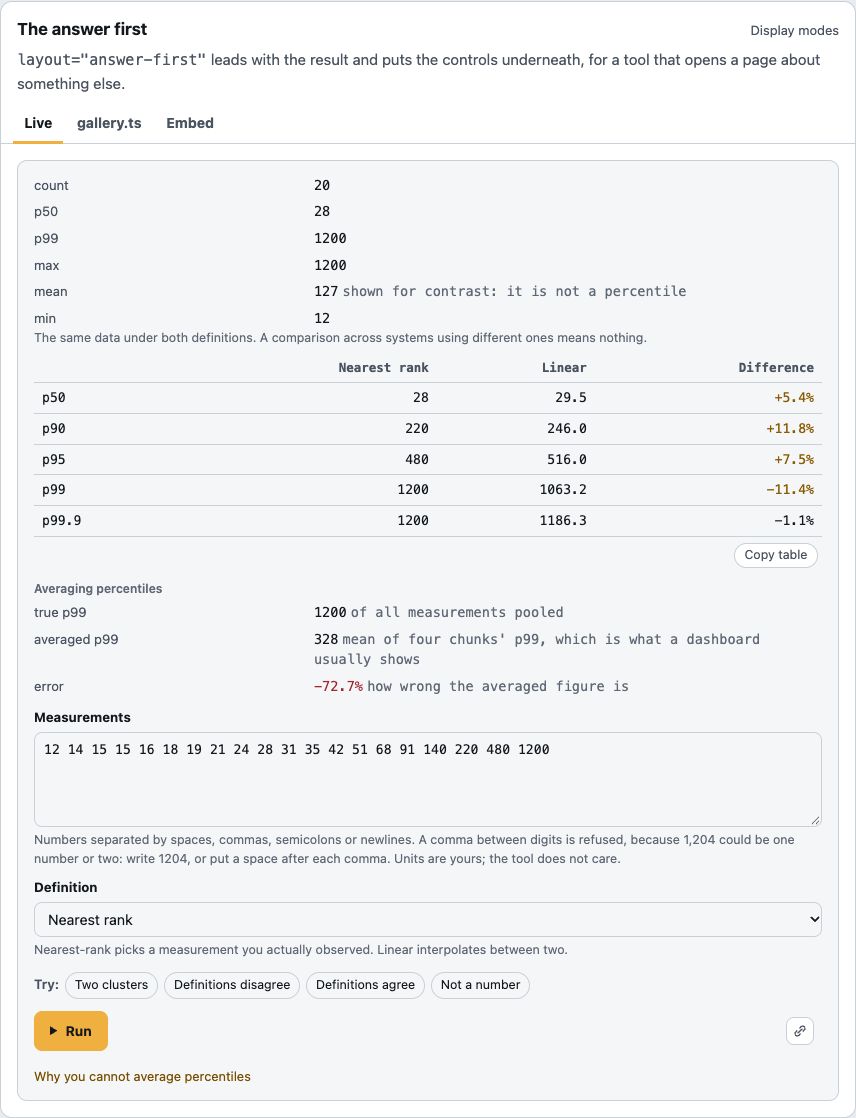
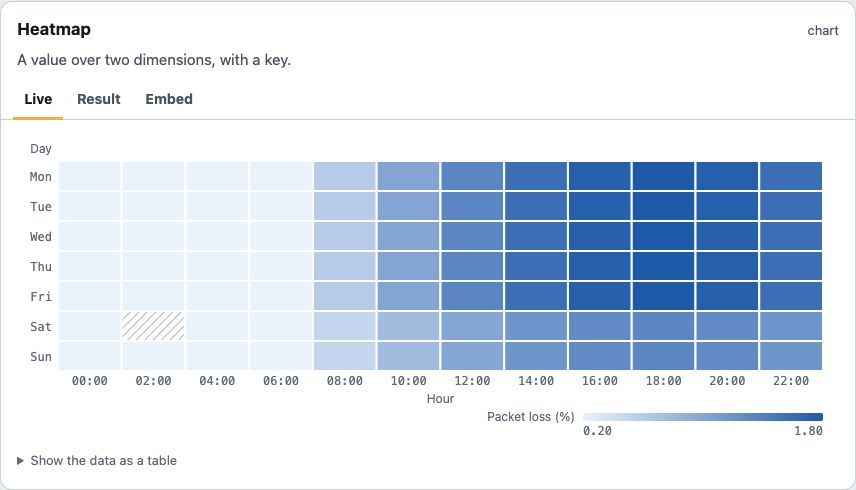
and 19 more
- Slider: a number input can have a slider beside its box. Try it: Slider Docs: Slider
- Accent text tokens: a bright accent can fill the Run button while its label stays readable. Try it: Accent text tokens Docs: Accent text tokens
- Bands: fill the range between two edges, such as p5 to p95 around a median. Try it: Bands Docs: Bands
- Box plots: whiskers, quartiles, the median and outliers, from a summary the tool computes. Try it: Box plots Docs: Box plots
- Bubble charts: a third measure, drawn as each point's area. Try it: Bubble charts Docs: Bubble charts
- Named categories: a chart's x axis can be a list of names. Try it: Named categories Docs: Named categories
- Exploded slices: pull one pie or donut slice out to point at it. Try it: Exploded slices Docs: Exploded slices
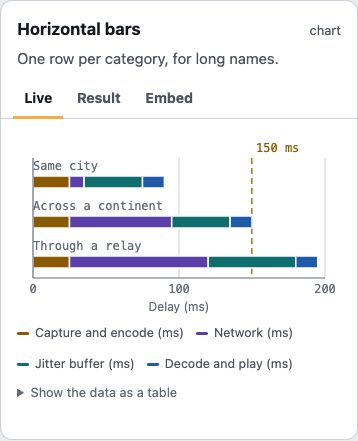
- Horizontal bars: one row per category, so long names sit beside their bars. Try it: Horizontal bars Docs: Horizontal bars
- Log scales: an axis in powers of ten, for values spanning orders of magnitude. Try it: Log scales Docs: Log scales
- Chart markers: each series gets its own marker shape as well as its colour. Try it: Chart markers Docs: Chart markers
- Mirrored bars: Back-to-back horizontal bars, for pyramids and comparisons. Try it: Mirrored bars Docs: Mirrored bars
- Radar charts: a profile across several measures, one spoke each. Try it: Radar charts Docs: Radar charts
- Scatter plots: each series can carry its own x values. Try it: Scatter plots Docs: Scatter plots
- Stacked bars: bar series with the same
stackid are drawn as one bar of parts. Try it: Stacked bars Docs: Stacked bars - Step lines: a value that holds until it changes, drawn as flat runs. Try it: Step lines Docs: Step lines
- Threshold lines: a labelled, dashed rule across the plot at a limit. Try it: Threshold lines Docs: Threshold lines
- Treemaps: a hierarchy of sizes, drawn as nested rectangles. Try it: Treemaps Docs: Treemaps
- Venn diagrams: two or three sets, every region labelled with its count. Try it: Venn diagrams Docs: Venn diagrams
- Linked tables: pointing at a chart lights the matching table rows, and the other way round. Try it: Linked tables Docs: Linked tables
Fixed (8)
- Run area: no "press Run" line, no scroll on click, and an
autoRuntool shows its answer at once. Changes a default Try it: Run area Docs: Run area - Accessible cards: a card's blurb and seeded answer reach screen readers. Try it: Accessible cards Docs: Accessible cards
- Second axis and area fill: a second y axis shows its title, and an area fills from zero. Try it: Second axis and area fill Docs: Second axis and area fill
- Closed cards skip chart code: a closed card downloads the chart renderer only when it needs it. Try it: Closed cards skip chart code Docs: Closed cards skip chart code
and 4 more
- Expanding a result: showing more of a card's result no longer resizes its chart. Try it: Expanding a result Docs: Expanding a result
- Chart styles with charts: a page with no chart no longer downloads the chart styles. Docs: Chart styles with charts
- Whole-number axes: ticks land on round values, and bars sit on their labels. Try it: Whole-number axes Docs: Whole-number axes
- Misplaced manifest keys: a key in the wrong object is refused, with where it belongs. May refuse a tool Docs: Misplaced manifest keys
0.6.0
New (4)
- Expand in place:
more="expand"reveals the rest of a long result without leaving the page. Try it: Expand in place Docs: Expand in place - Your own highlighter: pass
highlightand every code result is painted with it. Try it: Your own highlighter Docs: Your own highlighter - Fill a tool from your page: set
valuesand callrun()from buttons in your own markup. Docs: Fill a tool from your page - Retired tools: a retired or deprecated tool keeps its URL and says so. May refuse a tool Try it: Retired tools Docs: Retired tools
Fixed (6)
- Clearer sample errors: two samples that fill the same values are refused, and errors name both entries. May refuse a tool Docs: Clearer sample errors
- Smaller without charts: the chart renderer is its own chunk, about 1.4 KB gzipped off the runtime. Docs: Smaller without charts
- Bar chart edges: the first and last bars sit inside the plot. Try it: Bar chart edges Docs: Bar chart edges
- Card accessibility: a card's name includes its visible hint, and its title link is at least 24px tall. Try it: Card accessibility Docs: Card accessibility
and 2 more
- Attribute changes keep the result: changing
partsormodeafter a run no longer empties the output. Try it: Attribute changes keep the result Docs: Attribute changes keep the result - Run cue: the "inputs changed" cue on Run no longer looks like keyboard focus.
0.5.0
New (1)
- More on a card: a card shows every primary input and, with
parts, more than one result part. Try it: More on a card Docs: More on a card
Changed (1)
- Result summary: the one-line summary of a result is announced to screen readers, not shown. Try it: Result summary
Fixed (1)
- Charts on a card: a card's chart is drawn smaller, not squashed. Try it: Charts on a card Docs: Charts on a card
0.4.0
New (1)
- Samples: a tool can ship labelled example inputs, drawn as buttons under the form. Try it: Samples Docs: Samples
0.3.0
New (2)
- Seeds at build time:
seed()computes a card's starting result from the tool itself. Docs: Seeds at build time - Fixture harness:
@toolbench/sdk/fixtureschecks your own tools' manifests and cases in three lines. Docs: Fixture harness
0.2.0
New (1)
- Bytes results: a hex dump with offsets, a printable gutter and named ranges. Try it: Bytes results Docs: Bytes results
0.1.1
Fixed (1)
- Source maps: published source maps now contain their sources. Docs: Source maps